
OnPath Counseling App
A private place on your phone for guides, worksheets and your own session notes.
It’s free, and you don’t need to download anything from an app store.
Connect to the OnPath Counseling App here.
What the App is
The app’s files and graphics are delivered from a Cloudflare web address.
Your private information is held in your phone’s browser storage. It is encrypted before it is saved, using a key derived from your password, so the stored data is unreadable without your password.
Nothin leaves your phone unless you choose to sent it. You can backup your data or export your data to a location that you choose. It only goes where you explicitly send it.
Inside you’ll find:
Guides and worksheets you can fill in, such as forgiveness, core beliefs, identity, and healthy relationships
A private notes area for your own thoughts and session reflections
Easy ways to reach OnPath Counseling and begin counseling
A way to send feedback to Bill
Your information stays with you
Everything you type is encrypted and stored only on your phone. OnPath Counseling can’t see it, and nothing you write is sent to us or to anyone else. The app doesn’t connect to your counselor’s notes in any way.
You choose a username and password when you start. The app also gives you a recovery file to save in your own OneDrive, Google Drive, iCloud or Files app. If you forget your password, that file is the only way back in, so keep it somewhere private. Anyone who has the file can open your information.
How to put it on your phone
iPhone
Open the app in Safari. Other browsers can’t add apps to your home screen on iPhone.
Tap the Share button (the square with an arrow).
Tap Add to Home Screen, then Add.
Android
Open the app in Chrome.
Tap the menu (three dots).
Tap Install app or Add to Home screen.
Open it from the new icon from then on.
Keeping your information safe
Make a backup. Because your information lives only on your phone, a lost, broken or reset phone means it’s gone. Use More → Back up and restore to save an encrypted backup to your own cloud storage.
Keep your password and recovery file. We can’t reset your password for you, because we never have your information.
Export when you want. Any guide or note can be saved as a Word, Excel or PDF file.
The app locks itself after a few minutes away. You choose how long under More → Settings.
Things to know
The app is a companion for your OnPath Counseling services. It isn’t therapy, and no one monitors it.
Feedback you send opens in your own email app. Nothing is sent until you review it and press Send.
If you’re in crisis, call or text 988 (U.S.). In an emergency, call 911.
The app is for adults 18 and over.
Not a client yet?
You can start with a free call with Bill or Steve, or schedule through the links in the app. You can reach us at 763-458-3722.
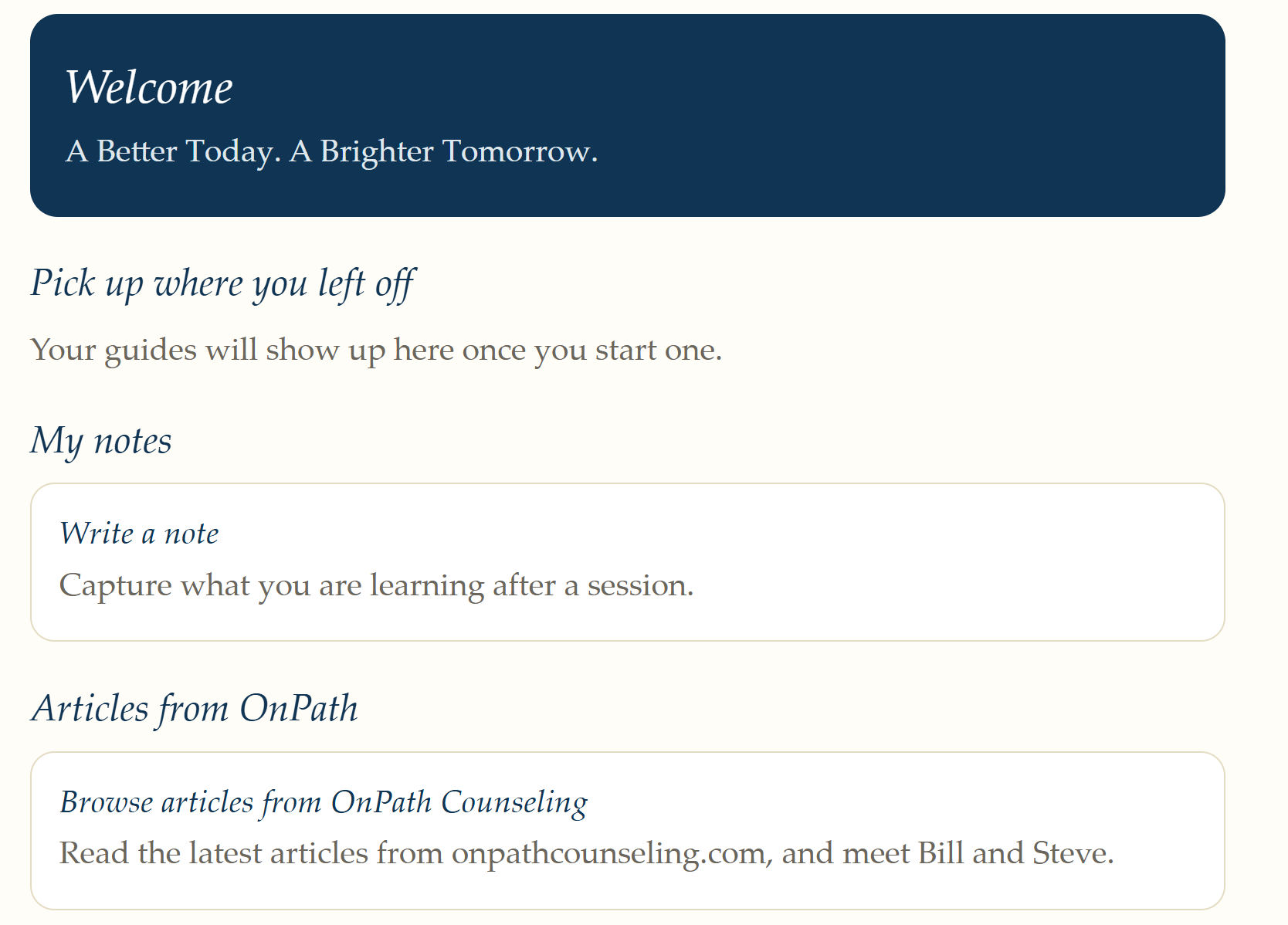
Home Screen in the App